The final HTML5 game build is not the whole buyer deliverable. The buyer also needs an accurate inventory, reproducible installation steps, clear source rights, asset credits, support boundaries and a record of what was genuinely tested. A neat ZIP is useful only when its contents match the claims.
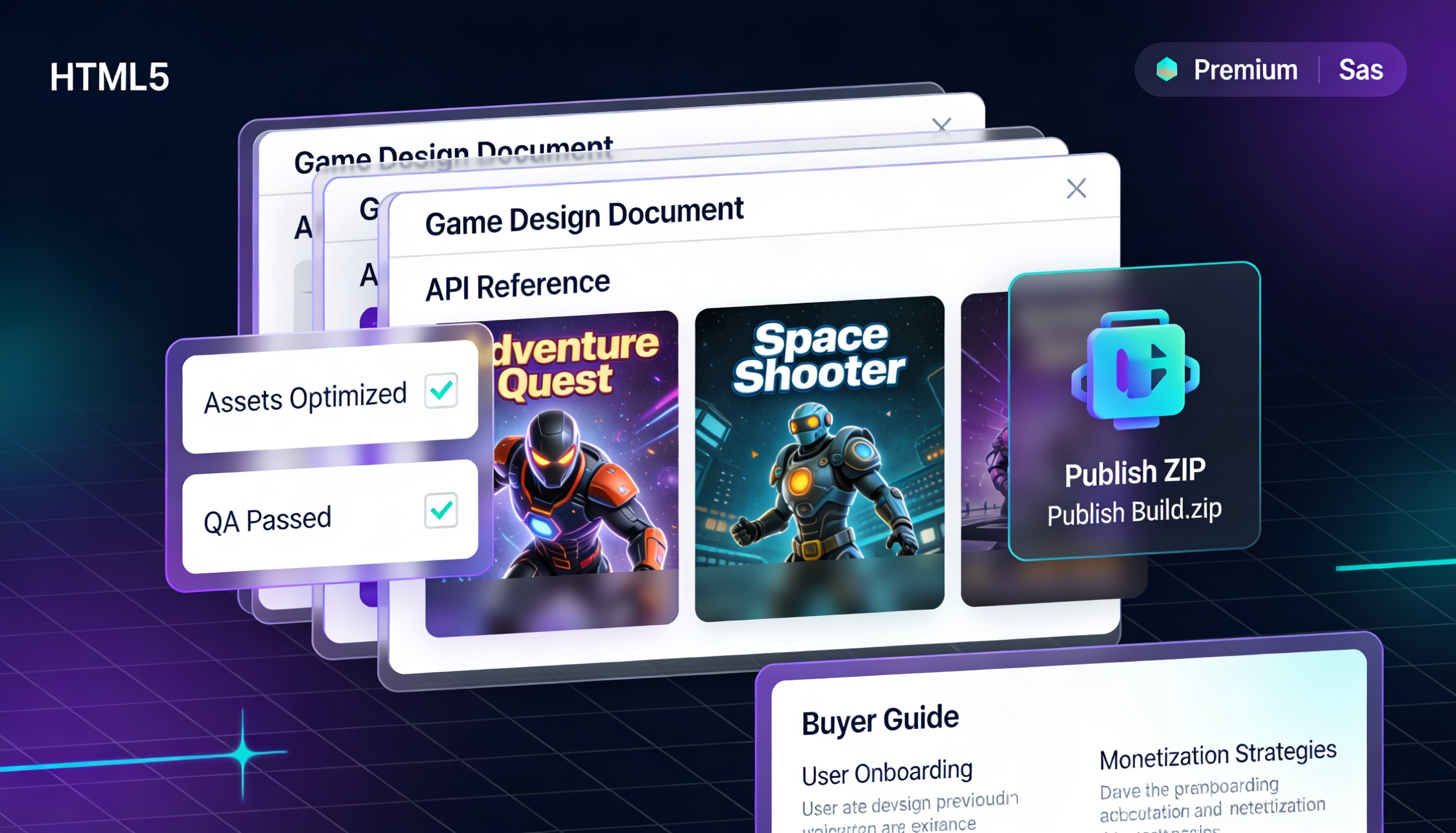
For HTML5 game developers, Construct creators, template sellers, and client-delivery studios, packaging quality matters. A buyer may judge your product before opening the game itself. If the folder is confusing, the instructions are missing, or the support rules are unclear, the product feels risky even when the game is good.
Why Game Developers Need More Than a Playable Game
A playable build proves that the game runs. A buyer-ready package proves that the product can be understood, installed, edited, supported, and trusted. These are different things.
A marketplace buyer usually wants quick answers. What is included? How do I open the project? Can I edit assets? Which files should I upload? What support is included? Are the assets credited properly? Is there a changelog? Is the package safe to use commercially?
If these answers are missing, buyers may hesitate. Some marketplaces may also delay or reject uploads when documentation, preview assets, or package structure are incomplete.
The Common Packaging Problems
Developers often postpone documentation because it feels less exciting than game design. But weak documentation can damage sales, reviews, and support time.
· The README is too short or missing.
· The buyer guide does not explain setup clearly.
· The support scope is not defined.
· The license and usage notes are unclear.
· Asset credits are incomplete or hard to find.
· The marketplace description is written in a hurry.
· Screenshots, thumbnails, and cover prompts are not organized.
· The final ZIP contains messy folders or unnecessary development files.
What a Buyer-Ready Game Package Should Include
A strong delivery package should feel like a complete commercial product. It should not look like a random project folder sent at the last minute.
· A welcome guide that explains what the buyer has purchased.
· A quick-start section for opening, testing, and editing the game.
· A clear file and folder structure explanation.
· A support section that explains what is included and what is not included.
· License, safety, and usage notes written in simple language.
· Credits for external assets, fonts, music, or sounds if used.
· A changelog for future updates.
· Marketplace description text that is ready to paste.
· Screenshots, cover image, thumbnail, and preview notes.
· A clean publish ZIP that contains only the correct files.
Worked Example: A Reproducible HTML5 Handoff
Worked example — HTML5 handoff: A published-game folder might contain index.html, scripts/, images/, audio/ and local runtime assets. A separate buyer guide should identify the actual entrypoint, whether HTTP hosting is required for module files, how to test offline assets and what to do when a browser blocks local-file loading. This is an illustrative structure, not a claim about every Construct export.
Record one reproducible test: device/browser, entrypoint opened, one successful play-through, audio behavior, portrait/landscape presentation and console/network errors. Mark skipped checks NOT TESTED rather than inventing PASS results. Include genuine screenshots captured from that same build.
The goal is to ship an auditable product: every included file has a purpose, every advertised feature has a real test, and every permission has a written boundary.
Records and Evidence the Buyer Needs
Distinguish source licensing from playable exports. A purchaser may receive an HTML5 runtime without editable project source, or may receive the source under a separately stated licence. State which files may be redistributed, which third-party images/fonts/audio require credit, and where support ends. Avoid assuming all marketplaces have identical policies.
· Offline buyer documentation with welcome, safety, setup, support, credits, and changelog sections.
· Markdown README and optional imported guide sections.
· Marketplace description and upload checklist content.
· AI image prompts for cover art, thumbnails, hero banners, and screenshots.
· Package checklist and compliance warnings before publishing.
· Bundle maker notes for PLR packs, client handoffs, and multi-game collections.
· Publish ZIP output containing docs, prompts, checklists, sources, and assets.
A Practical Publishing Workflow for Game Sellers
A good workflow is repeatable. Every release should pass through the same basic stages before it is uploaded or delivered to a buyer.
· Test the game build on desktop and mobile browsers.
· Prepare the buyer guide and quick-start instructions.
· Write the support scope and license notes clearly.
· Check that asset credits are complete.
· Create or organize cover images, thumbnails, screenshots, and promo assets.
· Prepare marketplace title, description, tags, and feature list.
· Run a final package checklist before export.
· Create the clean publish ZIP and test it as if you are the buyer.
Why Documentation Can Increase Buyer Trust
Buyers trust products that look organized. A clear package tells the buyer that the seller is serious. It also reduces unnecessary support messages because many common questions are already answered inside the documentation.
Good documentation does not need to be long or complicated. It needs to be clear, accurate, and placed where the buyer can find it quickly. A welcome guide, setup steps, file structure, and support notes can make a simple game product feel much more professional.
For Construct and HTML5 Developers
Construct and HTML5 game sellers often have a special challenge: the game may run in a browser, but the buyer may also expect editable source files, export notes, asset folders, and instructions for uploading to a website or marketplace. Without clear instructions, the buyer may not know which files are for editing and which files are for publishing.
A professional package separates the buyer’s path clearly: open this file, edit these assets, upload this folder, read this license, contact support through this email, and check this changelog for updates.
For Marketplace, PLR, and Client Delivery
The same packaging principles work for CodeCanyon-style items, Scirra/Construct products, itch.io downloads, PLR bundles, private clients, and HTML5 game stores. The exact marketplace rules may change, but buyers always appreciate clear instructions and clean delivery.
For client work, documentation is especially important. A client may not be a developer. They need simple language, a support boundary, and a clear explanation of what they received.
Final Developer Checklist
Before releasing any HTML5 game package, ask these questions:
· Can a buyer understand the product within two minutes of opening the folder?
· Is there a quick-start guide?
· Are editable files and publish files clearly separated?
· Are all assets and credits documented?
· Is the support scope clear?
· Is the marketplace description ready and professional?
· Are the screenshots and thumbnails organized?
· Have you tested the final ZIP on a clean machine or browser?
Final Publication Check
Before releasing any HTML5 or Construct project, perform a clean-room handoff: extract the exact delivered ZIP, follow its README on a different machine or browser, confirm every linked asset resolves, and inspect for private keys, development paths or unrelated files. A trustworthy package is one whose instructions match reality.
Keep promotional demonstrations unpublished until the actual deliverable, screenshots and instructions have been checked in a clean browser.
Article comments